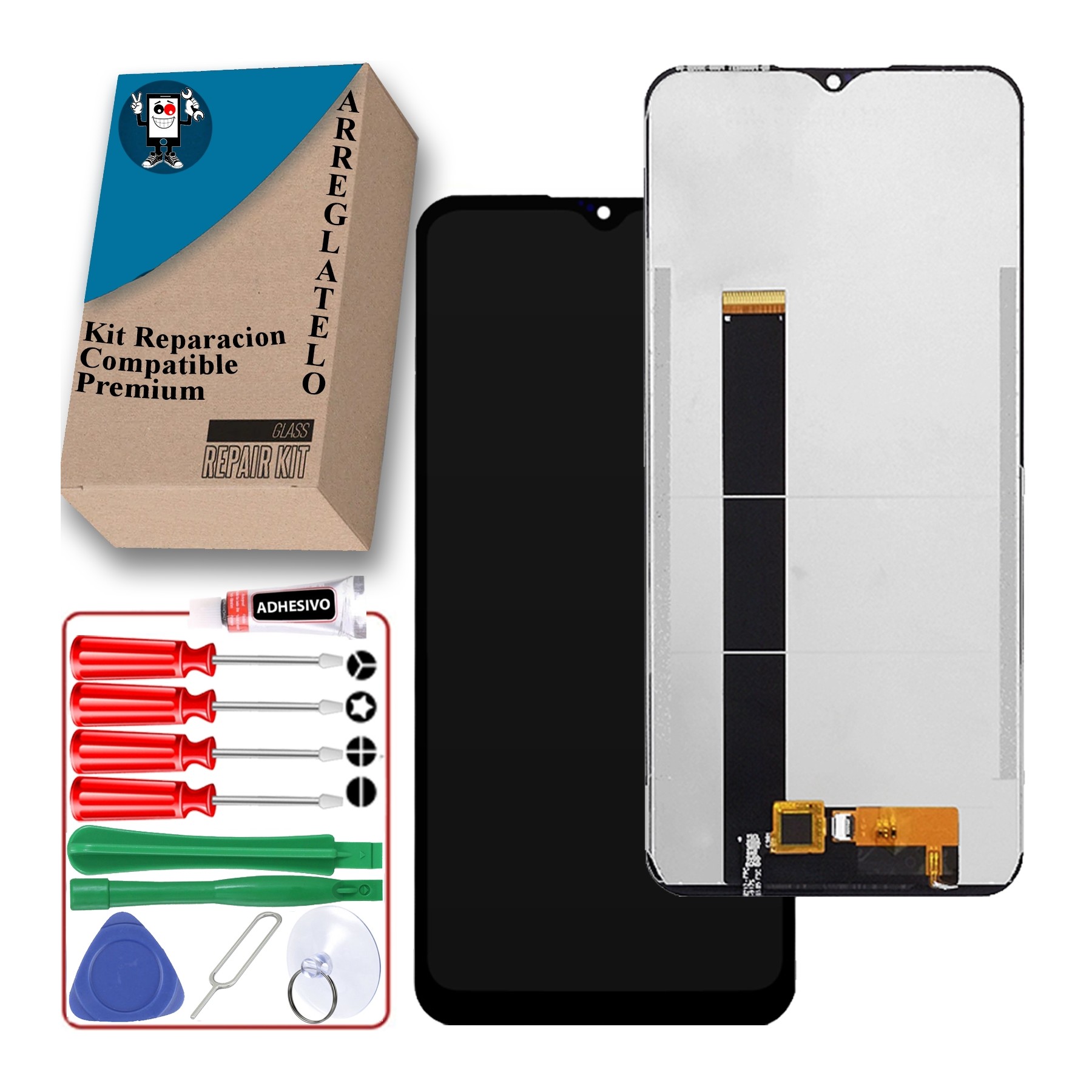
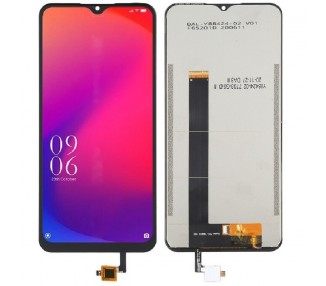
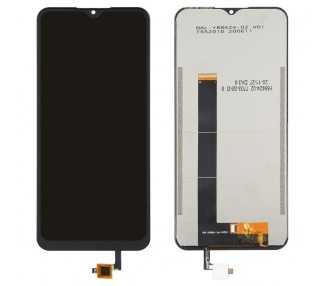
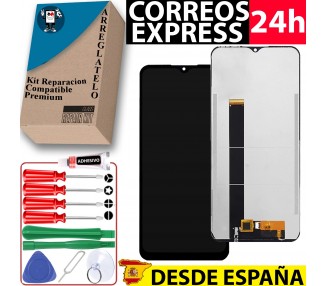
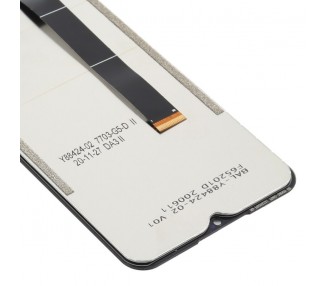
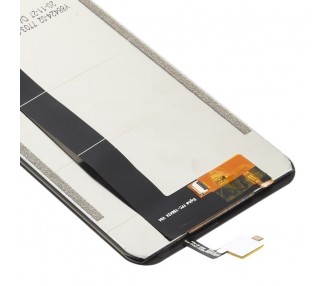
Kit Reparación Pantalla para Doogee X95 sin Marco OLED Negra
Upgrade your smartphone experience with the Kit Reparación Pantalla para Doogee X95 sin Marco OLED Negra. This high-quality display assembly is specifically designed for the Doogee X95, ensuring a seamless fit and exceptional performance. With its black OLED screen and frameless design, this repair kit will not only restore the visual appeal of your device but also enhance your viewing experience.
MPN: NO APLICA
Marca compatible: Doogee
Compatible Model: Doogee X95
Colour: Black
Tipo: OLED
Marca: Arreglatelo
Marco: No
Huella Digital: No
Features and Benefits
- High-Quality Display: The OLED screen delivers vibrant colors and sharp contrast, providing an immersive visual experience. Say goodbye to dull and washed-out images.
- Seamless Fit: This screen repair kit is specifically designed for the Doogee X95, ensuring a perfect fit without any gaps or misalignments. It seamlessly integrates with your device, just like the original screen.
- Frameless Design: The absence of a frame gives your smartphone a sleek and modern look. Say hello to edge-to-edge display and enjoy a truly immersive visual experience.
- Easy Installation: The kit includes all the necessary tools and components, making the installation process hassle-free. Even if you're not tech-savvy, you can easily replace your screen with this kit.
- Enhanced Durability: Made from high-quality materials, this display assembly is built to last. It can withstand everyday wear and tear, giving you peace of mind knowing that your screen is protected.
- Improved Touch Response: The Kit Reparación Pantalla para Doogee X95 sin Marco OLED Negra ensures a smooth and responsive touch experience. Whether you're scrolling, swiping, or typing, you'll enjoy precise and accurate touch input.
- Enhanced Visual Experience: With its OLED technology, this display assembly offers deeper blacks and brighter whites. Your photos, videos, and games will come to life with rich colors and incredible detail.
Best Practices for Using the Kit Reparación Pantalla para Doogee X95 sin Marco OLED Negra
- Backup Your Data: Before replacing your screen, it's always a good idea to backup your data. This will ensure that you don't lose any important files or information during the repair process.
- Read the Instructions: Take the time to carefully read the instructions provided with the kit. This will guide you through the installation process and help you avoid any unnecessary mistakes.
- Remove the Battery: To prevent any damage to your device, make sure to disconnect the battery before starting the repair. This will avoid any accidental power-on during the screen replacement.
- Take Your Time: Don't rush the installation process. Take your time and follow each step carefully. This will help you avoid any errors and ensure a successful screen replacement.
- Be Gentle: When handling the delicate components of your smartphone, be gentle and avoid applying excessive force. This will prevent any damage to the internal parts of your device.
- Test Before Finalization: Once you've replaced the screen, test your device before finalizing the installation. This will allow you to check if everything is working properly and make any necessary adjustments.
Frequently Asked Questions (FAQ)
- Can I replace the screen myself?
Yes, the Kit Reparación Pantalla para Doogee X95 sin Marco OLED Negra includes all the necessary tools and components for a DIY screen replacement. Just make sure to follow the instructions carefully.
- Is the installation process difficult?
The installation process is straightforward, especially if you have some basic technical skills. However, if you're unsure or uncomfortable with the process, it's always recommended to seek professional help.
- Will replacing the screen void my warranty?
Yes, replacing the screen yourself may void your device's warranty. We recommend checking the warranty terms and conditions before proceeding with the repair.
- Is the OLED screen better than a regular LCD screen?
Yes, OLED screens offer several advantages over regular LCD screens. They provide deeper blacks, higher contrast ratios, and more vibrant colors, resulting in a better overall viewing experience.
- How long does the installation process take?
The installation process can take anywhere from 30 minutes to an hour, depending on your experience level and familiarity with the process. Take your time and don't rush to ensure a successful repair.
- What should I do if I encounter any issues during the installation process?
If you encounter any issues or difficulties during the installation process, we recommend consulting the instructions included with the kit or seeking professional assistance.
- Can I use this screen assembly on other Doogee models?
This screen assembly is specifically designed for the Doogee X95 model. While it may physically fit other models, we cannot guarantee compatibility or optimal performance.
- Will the replacement screen affect the touch sensitivity of my device?
No, the Kit Reparación Pantalla para Doogee X95 sin Marco OLED Negra ensures the same level of touch sensitivity as the original screen. You won't experience any decrease in performance.
- What if the replacement screen is damaged upon arrival?
If the replacement screen is damaged upon arrival, please contact our customer support immediately. We will assist you in resolving the issue and provide a replacement if necessary.
- Can I return the product if I change my mind?
We accept returns within a specified timeframe. Please refer to our return policy for more information on how to initiate the return process.
Remember, the Kit Reparación Pantalla para Doogee X95 sin Marco OLED Negra is the perfect solution for restoring the visual appeal and functionality of your Doogee X95 smartphone. Upgrade your device today and enjoy a stunning display experience like never before.